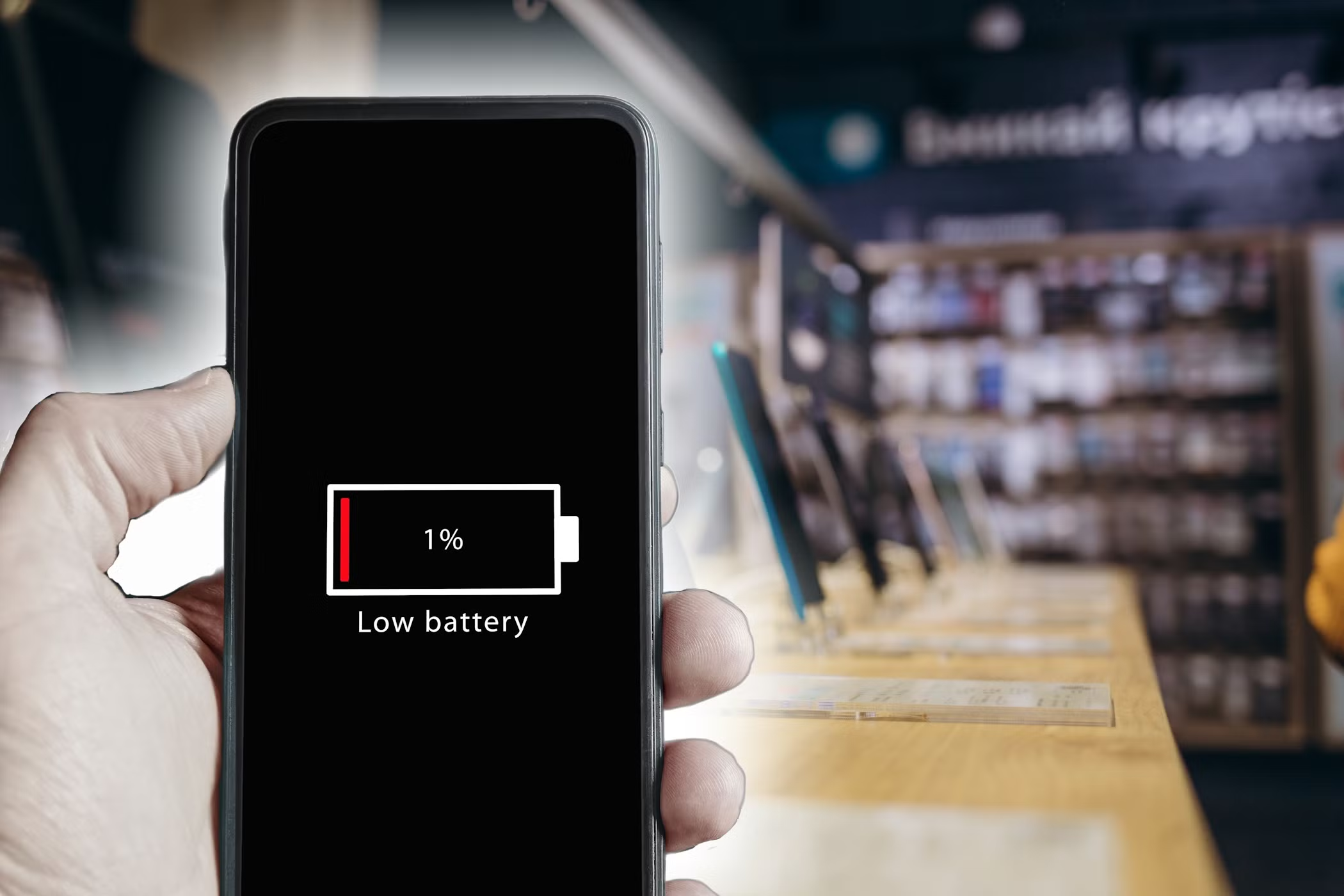
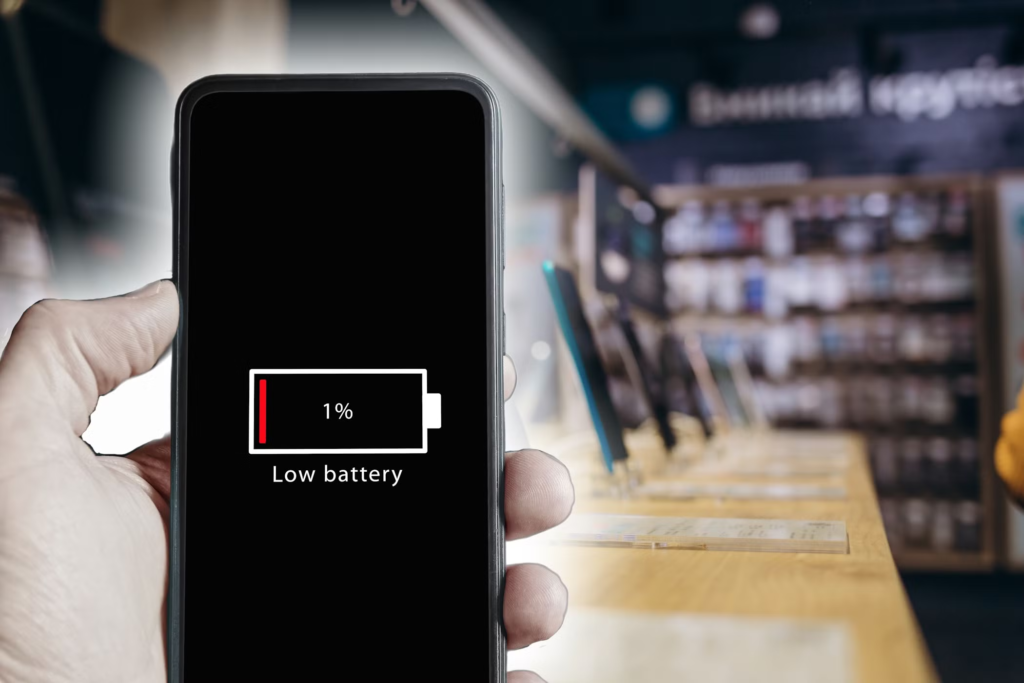
2026: Our smartphones are the control rooms of our lives. From managing a zero balance bank account to attending virtual meetings and navigating new cities, we use them for everything. But nothing is more frustrating than that red battery bar before lunch time. If you’re asking yourself, “Why is my phone battery draining so fast?” you’re not alone.
With apps becoming ever more sophisticated and 5G/6G connectivity becoming the norm, the pressure on mobile hardware is growing. Luckily most battery issues stem from software settings and usage habits rather than hardware failure. This guide will help you identify the culprits, and actionable steps to get you to say, “Fix it now.”
1. Top Reasons: Why Is My Phone Battery Draining Fast?
To figure out why your phone battery is dying so quickly, you first need to understand what’s draining it. Here are the most common reasons your phone might be losing power fast in 2026:
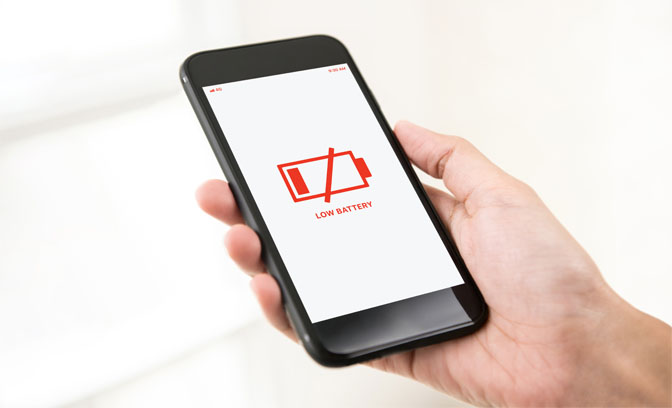
- High Screen Brightness & Refresh Rates: Modern OLED screens with 120Hz refresh rates look beautiful but consume massive amounts of energy.
- Background App Refresh: Many apps continue to sync data, fetch notifications, and track your location even when you aren’t using them.
- Poor Network Connectivity: If you are in an area with weak signal, your phone increases power to the antenna to stay connected, leading to a quick drain.
- Outdated Software: Operating systems often release patches to optimize battery performance. Running an old version can cause background “bugs” that eat power.
2. Fix It Now: The 2026 Battery Optimization Matrix
To help you prioritize your actions, use this efficiency matrix to see which fixes provide the best results.
| Action Item | Impact Level | Difficulty | Primary Benefit |
|---|---|---|---|
| Enable Dark Mode | ⚡⚡⚡ | Easy | Saves OLED pixels from firing. |
| Reduce Refresh Rate | ⚡⚡⚡⚡ | Medium | Drastically cuts GPU power usage. |
| Limit Location Services | ⚡⚡⚡⚡⚡ | Easy | Stops GPS from constant polling. |
| Update All Apps | ⚡⚡ | Medium | Fixes inefficient code and bugs. |
| Disable 5G/6G in Weak Areas | ⚡⚡⚡ | Easy | Prevents antenna “searching” drain. |
3. Advanced Solutions to Extend Battery Life
If basic settings didn’t work, it’s time to dig deeper into your phone’s ecosystem.
A. Audit Your Background Activities
Go to your settings and check “Battery Usage.” In 2026, AI-driven apps often “wake up” your phone frequently. Identify apps that show high percentage usage even when they haven’t been opened. Force-stop these apps or restrict their background activity.
B. Manage Your Digital Identity & Syncing
Constant syncing of emails and cloud services is a major culprit.
- Email Push vs. Fetch: Change your email settings from “Push” (always on) to “Fetch” (every 15-30 minutes).
- Cloud Verification: Many users in India frequently access DigiLocker or government portals that require Aadhaar-linked OTPs for verification. While these services are essential, ensure that the apps associated with them are not running constant background refreshes when not in use.
4. Hardware Health vs. Software Glitches
Sometimes the answer to “Why is my phone battery draining fast?” is simply physical aging.
How to Check Battery Health:
- iPhone: Settings > Battery > Battery Health & Charging.
- Android: Settings > Battery > Battery Usage (or use a third-party app like AccuBattery).
If your Maximum Capacity is below 80%, it may be time for a professional battery replacement.
5. Daily Habits for Long-Term Battery Health
| Habit | Why It Works |
|---|---|
| Avoid 0% and 100% | Lithium-ion batteries are happiest between 20% and 80% charge. |
| Use Original Chargers | Third-party cables can cause “micro-fluctuations” that damage cells. |
| Keep It Cool | Heat is the #1 killer of battery chemistry. Avoid leaving your phone in a hot car. |
| Optimize WiFi | Use WiFi whenever possible; it is significantly more power-efficient than mobile data. |
6. The “Emergency Fix” Guide
If you are at 10% and far from a charger, follow these steps immediately to keep your phone alive:
- Turn on Maximum Power Saving Mode: This limits background data and simplifies the home screen.
- Turn off Bluetooth and NFC: Unless you are actively paying with a mobile wallet, these don’t need to be on.
- Lower Brightness to Minimum: Your screen is the biggest power consumer.
- Turn off Haptics: The tiny motor that creates “vibrations” when you type uses a surprising amount of juice.
FAQs: Why Is My Phone Battery Draining Fast?
Does Dark Mode actually save battery?
Yes, but only on phones with OLED or AMOLED screens. Since these screens turn off individual pixels to display black, using Dark Mode can save significant energy compared to a bright white background.
Is it bad to charge my phone overnight?
Modern smartphones in 2026 have “Optimized Battery Charging” that stops the flow once it hits 80% and finishes the last 20% just before you wake up. While not “bad,” it is better to unplug it once it reaches 100%.
Can I use UPI apps while in Power Saving Mode?
Generally, yes. Apps like Google Pay or PhonePe will still function, though they may take a second longer to load as the processor is running at a lower speed to save power.
How can I get my Aadhaar details if my phone dies?
In 2026, it is highly recommended to keep a physical copy or a printed version of your e-Aadhaar in your travel bag as a backup. Since your Aadhaar is linked to your mobile number for OTP verification, if your phone is dead, you will not be able to access digital versions like DigiLocker until you recharge.
The Verdict: Taking Control of Your Power
If you’ve been frustrated wondering, “Why is my phone battery draining fast?“, the answer is usually a combination of settings that can be adjusted in minutes. By following the “Fix it now” steps—optimizing your screen, managing background apps, and maintaining healthy charging habits—you can ensure your device stays powered through the most demanding days of 2026.