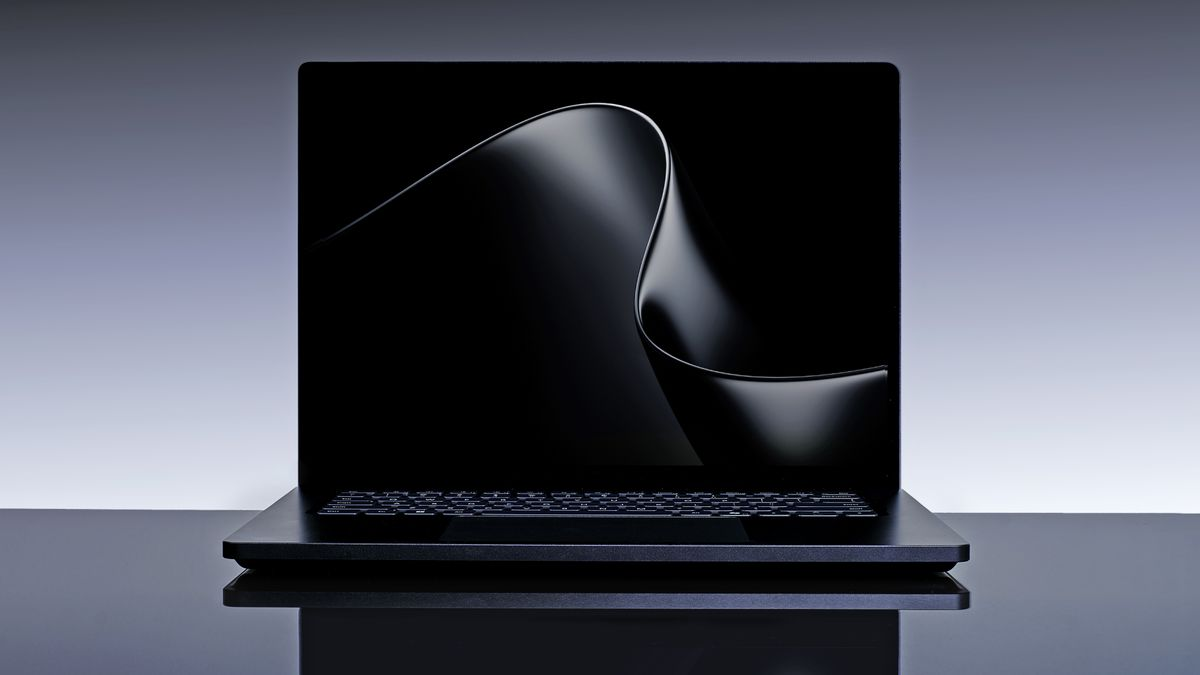
Microsoft has officially shaken up the premium creator ecosystem by announcing its most powerful mobile device to date. Designed in a deep, multi-year engineering partnership with NVIDIA, the newly introduced Surface Laptop Ultra serves as a direct answer to ultra-premium workstation hardware.
Moving away from traditional x86 processor configurations, this flagship machine is built from the silicon up to handle intense local AI workflows, massive 3D rendering environments, and heavy developer compile cycles. Billed as the ultimate machine for “world makers,” the notebook balances elite computational power with an intentional, highly repairable hardware design.
The Beating Heart: The NVIDIA RTX Spark Platform
The standout feature of the Surface Laptop Ultra is its internal computing architecture, powered entirely by the groundbreaking NVIDIA RTX Spark superchip. This platform represents a massive step forward for Windows on Arm devices.
The unified chip connects a high-performance 20-core NVIDIA Grace CPU (co-developed with MediaTek) to a powerful Blackwell RTX GPU featuring up to 6,144 CUDA cores and fifth-generation Tensor Cores. By binding these processors together using a high-speed NVLink-C2C interconnect, the system achieves a staggering 1 petaflop of AI compute, allowing creators to run massive 120-billion-parameter artificial intelligence models completely locally.
Hardware Breakdown: Surface Laptop Ultra Specifications Matrix
To understand how this premium powerhouse reshapes mobile computing performance, it helps to review the complete, official specifications sheet.
The technical table below outlines the core hardware components built into the premium chassis:
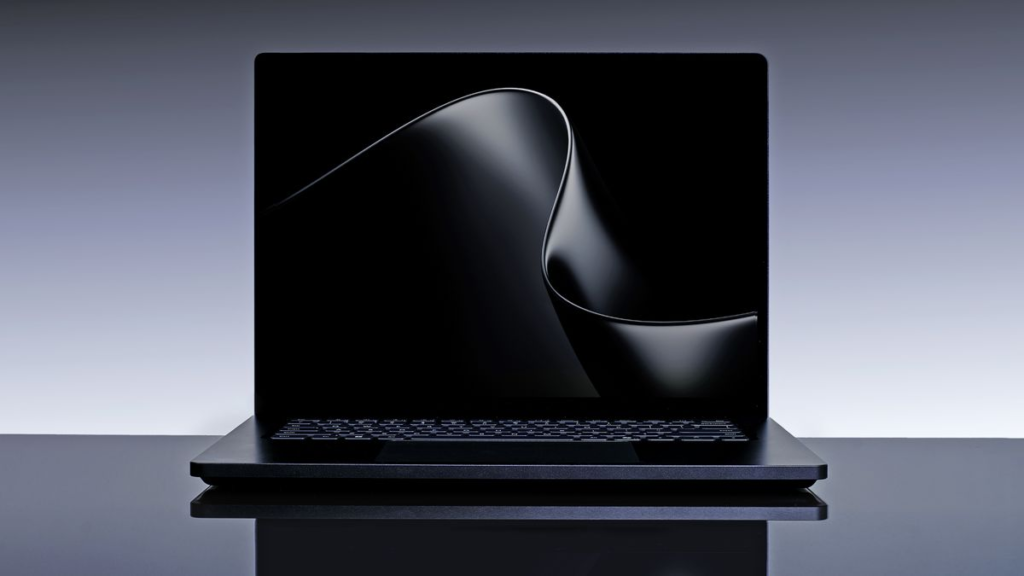
| System Category | Official Component Specifications | Professional Workflow Advantage |
| System Memory | Up to 128GB LPDDR5X Unified Memory | Pools RAM dynamically across CPU/GPU to seamlessly render ultra-large 90GB+ 3D scenes |
| Display Panel | 15-inch mini-LED PixelSense Ultra touchscreen | Delivers rich contrast profiles and professional-grade color editing accuracy |
| Screen Resolution | 2880 x 1920 (262 Pixels Per Inch) | Crisp text tracking and highly refined interface layouts |
| Peak Brightness | Up to 2,000 nits peak HDR brightness | The brightest display ever shipped on a Surface device, easily beating bright outdoor glare |
| Chassis Weight | Less than 4.5 pounds (approx. 2.04 kg) | Exceptional mobility for a heavy-duty pro-grade workstation |
| Integrated Ports | 1x HDMI, USB-C, USB-A, SD Card Slot, 3.5mm Headphone Jack | Complete standalone connectivity without relying on external dongles or adapters |
| Exterior Finishes | Platinum and Nightfall | Sleek, modern styling alternatives designed with recycled aluminum |
Inside-Out Engineering: Thermals and Workspace Layout
Packing 1 petaflop of processing power into a portable laptop frame presents a massive engineering hurdle. To prevent the severe performance throttling that often plagues slim performance laptops, Microsoft’s engineering teams used an “inside-out” structural approach.
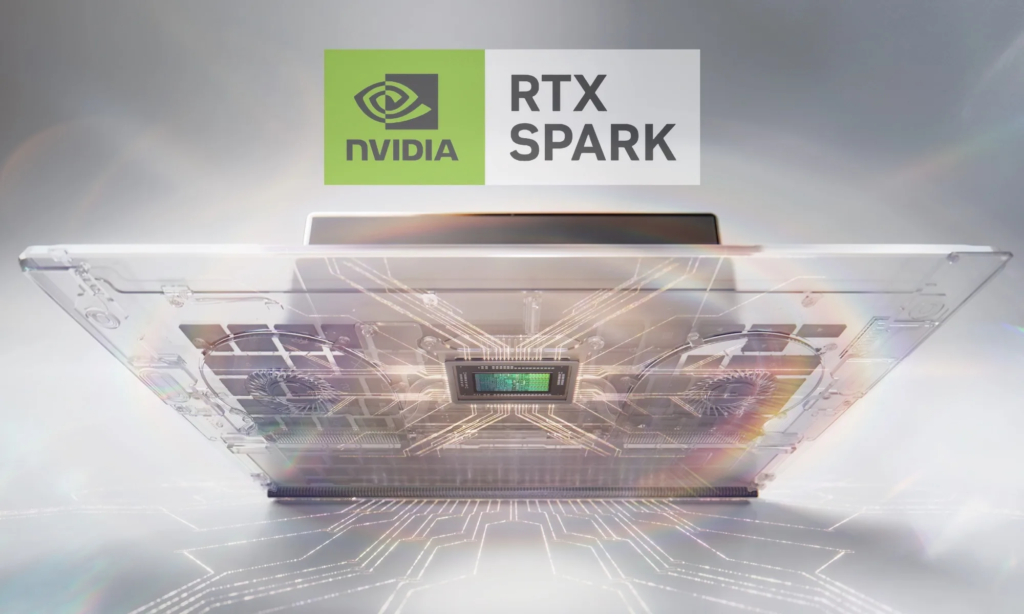
By bringing mechanical, electrical, thermal, and materials engineers to the design table from day one, the internal cooling pipes work in perfect harmony with the external casing. The prominent dual-fan cooling system sweeps intense thermal heat away from the core chips quietly, ensuring developers can run long compile loops without distracting fan noise.
Step-by-Step Guide: Preparing Your System for Local Large Language Models (LLMs)
Thanks to full CUDA support and massive unified memory allocation, the hardware is configured out of the box to run advanced AI models natively.
Follow this quick guide to set up a private, local AI workspace once the device hits shelves:
1.Verify CUDA Toolkit Installation:System Check.
Open your terminal and ensure the pre-installed NVIDIA CUDA tools are fully updated. This ensures the Blackwell GPU can interface directly with your localized terminal scripts.
2.Initialize the RTX Spark AI Environment:Framework Setup.
Boot up your preferred local model manager or interface wrapper (such as Ollama or LM Studio) optimized specifically for the Windows on Arm architecture.
3.Allocate Unified Memory Boundaries:Model Selection.
Select your desired open-source model—supporting scales all the way up to a 120-billion parameter variant. Adjust the settings to let the system dynamically share up to 90GB of RAM across the graphics core.
4.Launch Offline Private Chat Prompts:Local Execution.
Run the localized startup script. You can now prompt, summarize, and write complex code completely offline with zero data leaving your physical device.
Availability & Launch Window: The Microsoft Surface Laptop Ultra is scheduled to roll out to commercial and retail markets later this fall. While official pricing tiers are still under wraps, the cutting-edge silicon configuration and premium manufacturing materials suggest this workstation will carry an ultra-premium price tag aimed at top-tier professionals.