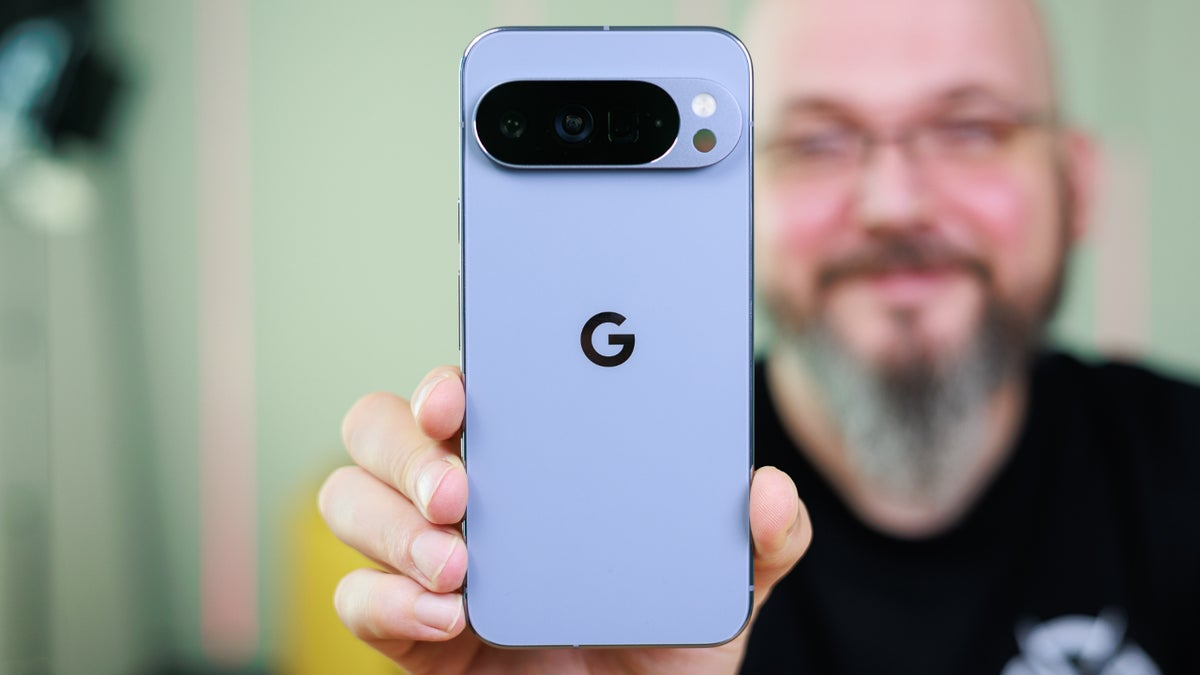
The battle between simplicity and customization has always shaped the way mobile operating systems grow up. But with Android 17 on the horizon, it looks like Pixel fans are about to get something they’ve wanted for years: the freedom to design their home screens however they want. This isn’t just a slight tweak—it’s a huge shift from the strict “Material You” rules. Now, instead of Google calling all the shots, you finally get control over how your phone looks and works.
For people who love their Pixel phones, it goes way beyond swapping wallpaper colors. We’re talking about a new way to actually use your device. Android 17 hints at a future where you get to place widgets wherever you want, layer and play with their look, and let AI help tie your whole aesthetic together. If everything rolls out as rumored, this will be the most personal version of Android so far.
1. Beyond the Grid: Free-Form Customization
Android’s grid system always felt a bit like training wheels. Sure, swapping launchers gave you some options, but the standard Pixel layout stayed pretty locked down. Now, whispers about Android 17 suggest those invisible borders could finally disappear.
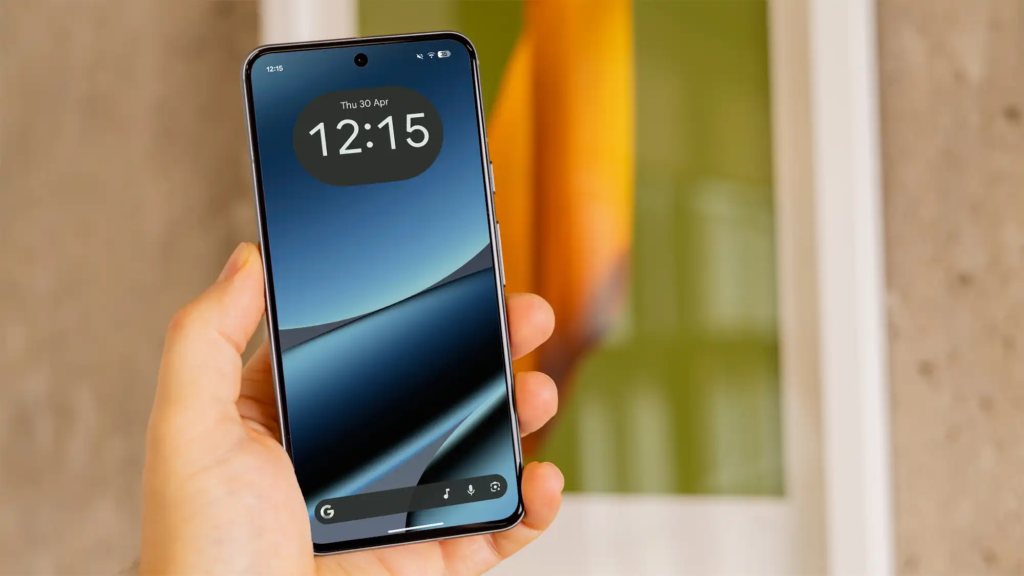
- Custom Grid Densities: Imagine squeezing as many—or as few—icons into a row as you want. Go minimalist, or cram everything into one screen if that’s your style.
- Layered Widgets: Stack ’em, overlap ’em, even create wild collages from your favorite apps right on the home screen.
- AI-Generated Iconography: Google’s AI could now fill in the gaps, whipping up custom icons for your third-party apps so every tile fits your theme just right.
2. Interactive Micro-Apps: The New Widget Era
Android 17 isn’t just an update—it’s a chance for Pixel owners to finally make their phone truly their own.
Customization Feature Comparison
| Feature Type | Android 16 Capability | Android 17 (Projected) | User Impact |
|---|---|---|---|
| Icon Placement | Strict Grid | Free-form / Overlapping | High Aesthetic Freedom |
| Widget Utility | View-only / Basic Buttons | Full Interactive Micro-Apps | Reduced App Opening |
| Theme Engine | Color Extraction | AI-Generated Intent Themes | Total Visual Cohesion |
| Font Control | System Default | Per-Element Font Styling | Personal Branding |
3. Integrating Your Digital Life and Security
A dream home screen’s not just about looks—it has to work well too. With Pixel, people have more control, so getting all the digital tools you need in one place feels smoother than ever.
- Identity Hubs: Now you can keep your e-Aadhaar or DigiLocker widgets just a quick fingerprint or face scan away. No digging through menus—just tap, scan, and you’re in.
- Financial Monitoring: Want to keep an eye on your spending? Drop a secure widget for your zero-balance bank account onto your secondary screen. You can check your balance in a flash and skip opening the whole app.
- Secure Handshakes: Linking your Aadhaar to your mobile number sometimes means jumping through hoops. Android 17 cuts the hassle with new “Secure Action” shortcuts—just tap from the home screen, and your phone handles the OTP and biometric checks right there.
- Privacy Shrouds: You can “shroud” sensitive widgets so they stay hidden till you unlock them with your face or finger. No more prying eyes over your shoulder.
4. Performance: Keeping the Dream Smooth
Let’s be honest—more customization usually leads to slower phones. But Android 17 plans to keep things fast with “App Launch Boost” tech. Even if your home screen’s packed with widgets, scrolling and swiping stay smooth.
If your phone ever feels laggy after adding fancy widgets, you might be hitting a performance wall, like an overloaded laptop. Make sure “Adaptive Battery” is turned on, too—it keeps your phone running longer and helps avoid sudden crashes.
5. Troubleshooting Your Digital Command Center
Even the most advanced OS can face hurdles. Use this quick fix guide for common 2026 mobile issues:
- Problem: Screen brightness flickering with new themes.
- Fix: Calibrate the AI Theme Engine in Settings > Display.
- Problem: Battery draining faster than usual.
- Fix: Check if a “Micro-App” widget is performing too many background refreshes.
- Problem: Verification widgets not working.
- Fix: Ensure your Aadhaar-linked mobile number is correctly verified in the system settings.
6. The 2026 Pixel Customization Matrix
| Customization Goal | Recommended Tool | Implementation Level |
|---|---|---|
| Minimalist Professional | Monochrome Icon Packs + Single Action Widget | Basic |
| Data Power User | 6×7 Grid + Live Financial Feeds | Advanced |
| Creative Artist | Overlapping Widgets + Custom AI Wallpapers | Expert |
| Security First | Biometric-Locked Verification Folders | High Security |
FAQs: Android 17 Customization
Will Android 17 be available for older Pixel models?
Generally, Google provides major updates for several years. However, high-end AI features like “Intent Themes” may require the latest Tensor processing power found in newer models.
Can I use my e-Aadhaar as a home screen widget?
While you cannot display the full ID for security reasons, Android 17 may allow a “Verification Shortcut” that opens your e-Aadhaar within DigiLocker only after biometric authentication.
Will this customization cause a laptop hanging issue on my phone?
“Hanging” is rare on modern Pixel devices, but excessive widgets can cause minor stutters. Use the system’s “Performance Monitor” to identify heavy widgets.
How do I link my Aadhaar with my mobile number for Android features?
This is usually done through your service provider’s portal or an official government kiosk. Once linked, Android 17 can use that connection for secure system-level verifications.
The User is the Architect
The prospect that Android 17 may allow Pixel users to create the home screen of their dreams marks a milestone in mobile software. It signals a shift from “one-size-fits-all” to “one-size-fits-you.” By combining aesthetic freedom with the secure digital infrastructure of 2026—including DigiLocker and verified financial tools—Google is turning the Pixel into a truly bespoke companion.