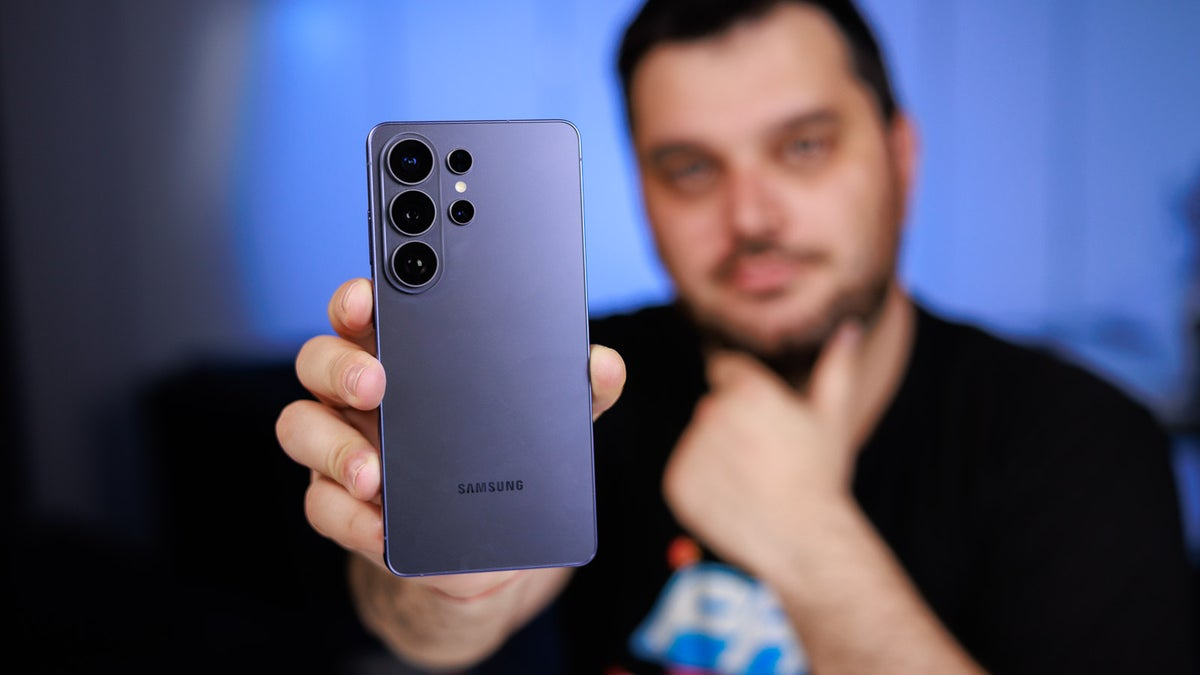
Samsung’s latest flagship smartphone lineup has officially arrived, and as expected, mobile photography sits at the center of the conversation. Whether you are an amateur creator looking to capture daily memories or a seasoned mobile filmmaker demanding professional-grade footage, the newly upgraded Galaxy S26 camera system aims to deliver something for every creative ambition.
However, with a complex mix of hardware adjustments, variable lens apertures, and a heavy injection of next-generation artificial intelligence, making sense of the marketing buzz can be tricky. If you are trying to decide which model fits your lifestyle, exploring this practical breakdown of the imaging suite will clear up your biggest questions before you head to checkout.
Spec Comparison: Standard Models vs. The Ultra Powerhouse
To truly understand what the Galaxy S26 camera system brings to the table, it helps to analyze the distinct architectural divide between the baseline series and the premium Ultra variant.
The comprehensive breakdown below outlines the exact sensor arrangements and primary hardware differences across the lineup:
| Camera Category | Galaxy S26 & S26+ Base System | Galaxy S26 Ultra Flagship Array |
|---|---|---|
| Main Wide Sensor | 50-Megapixel | 200-Megapixel |
| Primary Lens Aperture | F1.8 Brightness | Ultra-Wide F1.4 Aperture |
| Telephoto Capabilities | 10-Megapixel with 3x Optical Zoom | 50-Megapixel with 10x Optical-Quality Zoom |
| Ultra-Wide Lens | 13-Megapixel Sensor | 50-Megapixel Sensor |
| Video Stabilization | Super Steady Engine | Super Steady with Advanced Horizontal Lock |
| Pro-Grade Software | Standard Pro Mode | Advanced Professional Video (APV) with Log/LUTs |
| Front Selfie Camera | 12-Megapixel Lens | 12-Megapixel Lens |
Demystifying the F1.4 Aperture and Low-Light Nightography
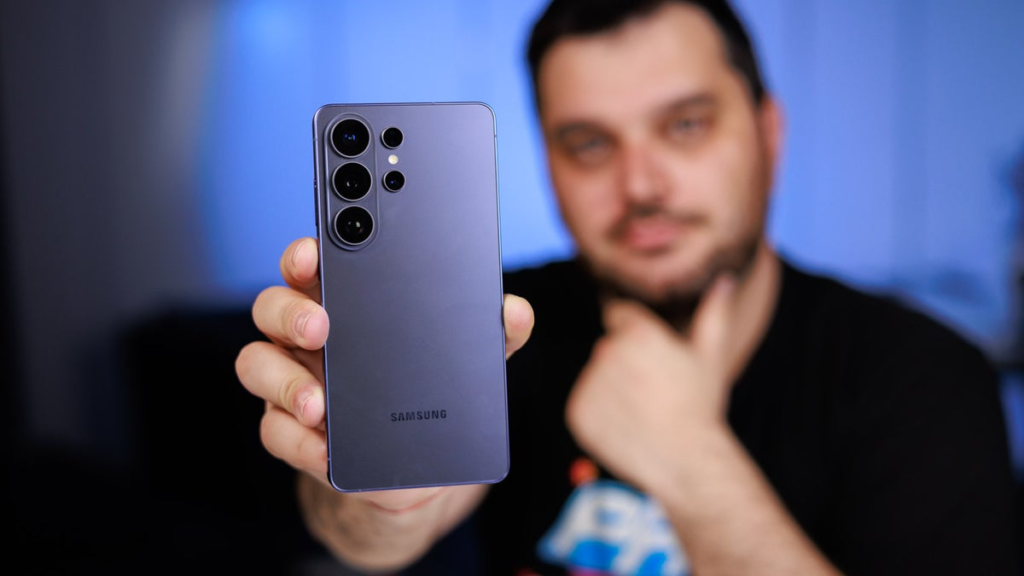
One of the loudest talking points surrounding the Galaxy S26 camera system—specifically on the top-tier Ultra—is the inclusion of a massive F1.4 aperture on the primary 200-megapixel sensor.
What Does the F1.4 Aperture Actually Do?
In physical photography, the aperture number dictates how wide the physical lens opens. A smaller number (like F1.4) means the lens opens significantly wider than a standard smartphone lens (like F1.8). This allows an unprecedented amount of ambient light to flood the sensor instantly, making it highly effective for tricky environments like concert venues, dimly lit restaurants, or evening outdoor events without relying on artificial flash.
Navigating the Nightography Interface
Samsung’s dedicated low-light ecosystem, known as Nightography, operates seamlessly across both still photography and video recording. It is fully integrated across all three models in the series, adjusting its exposure times depending on environmental light levels.
- Automatic Engagement: When framing a scene in dark environments, a yellow Moon icon automatically appears in the lower-right corner of the viewfinder.
- Exposure Duration Control: Once the shutter is tapped, the interface displays a countdown indicating how many seconds the camera needs to remain still to capture the shot.
- Manual Overrides: Users can trust the automated system or manually select a specific exposure duration to prioritize crisp action over raw brightness.
Shaky Footage Eliminated: Super Steady and Horizontal Lock
Capturing action on the move often results in jarring, unprofessional video tilt. Samsung addresses this pain point within the Galaxy S26 camera system by updating its video-stabilization protocols to mimic mechanical hardware gimbals.
While the baseline Super Steady mode works beautifully across all devices to absorb walking vibrations, the Ultra model introduces a highly practical extension called Horizontal Lock.
Using real-time data processed from the smartphone’s internal gyroscope and onboard accelerometer, the imaging engine tracks sudden rotational motion and actively compensates for it. Even if you twist the phone sideways or experience sudden shifts while filming from a moving vehicle, the horizon remains perfectly level. This completely eliminates off-kilter framing and bumpy camera movements when tracking fast-moving subjects.
Generative Creativity: Photo Assist and Creative Studio
The physical lenses tell only half the story; the other half of the Galaxy S26 camera system is driven entirely by deeply integrated generative artificial intelligence tools. These features give users professional-grade editorial control without requiring complex desktop software.
1. Photo Assist
Operating strictly in post-production after a picture is captured, Photo Assist allows you to select any element in a photo and alter its properties. Using natural language prompts, you can describe an entirely new setting to swap out a messy background, cleanly remove background distractions, or shift objects to a different side of the frame. The AI engine fills in the missing textures with photorealistic accuracy.
2. Creative Studio
Conveniently accessed through a quick swipe of the phone’s Edge panel, Creative Studio is designed to turn your personal gallery into functional media. The software analyzes your photos and allows you to instantly generate custom message stickers, bespoke digital greeting cards, or stylized event invitations that can be sent directly over your preferred messaging applications.
Ultimately, the standard models offer plenty of power for everyday documentation, while the Ultra serves as a peak choice for heavy content creators. Deciding which model to buy comes down to how much you value extreme low-light performance and advanced zoom versatility.