Global consumer tech brand Xiaomi is actively strengthening its footprint in East Asia’s premium electronics market. During a high-profile retail presentation, technology enthusiasts gathered as a new smartphone model took center stage at the official Xiaomi store in Seoul, South Korea.
The launch event highlighted the official regional debut of the highly anticipated Xiaomi 17T. This premium mid-range flagship aims to challenge local market leaders by combining advanced, high-resolution camera hardware with ultra-fast charging capabilities—all at a highly competitive price point tailored to tech-savvy consumers in Seoul.
Spotlight on the Launch: The Xiaomi 17T Arrival
The rollout strategy targets young professionals and students who demand high-end smartphone specifications without paying a massive premium. Store staff provided live demonstrations to showcase how the new model fits into the modern mobile ecosystem.
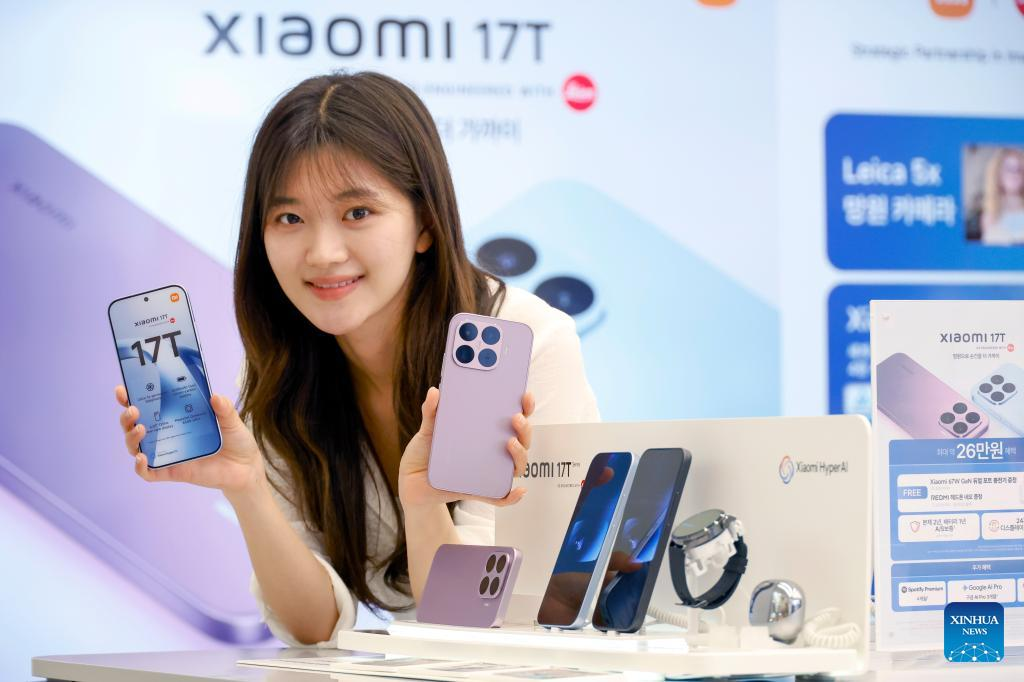
Direct Customer Engagement
To mark the launch, the brand transformed its flagship retail layout into an interactive trial hub. Rather than displaying devices behind glass cases, the brand integrated several experiential zones:
- The Portrait Lab: Visitors could test the smartphone’s multi-lens rear camera arrays under specialized studio lighting.
- The Gaming Sandbox: Dedicated stations allowed users to test the processing limits of the internal silicon architecture under demanding graphics loads.
- HyperOS Experience Bars: Expert technicians walked consumers through customized software shortcuts, multitasking layouts, and smart-home cross-device integrations.
Feature Breakdown: How the New Model Compares to Prior Tiers
To understand how the newly unveiled device positions itself within the current consumer market, it helps to map out its technical specifications against preceding product iterations.
The comparative table below outlines the core hardware evolutions debuting on the retail floor:
| Hardware Category | Previous Generation Specifications | Newly Launched Generation Architecture | Target Consumer Benefit |
| Primary Camera Array | 50-Megapixel standard sensor with basic OIS | 108-Megapixel Ultra-Clear Main Sensor | Incredible detail retention even when cropping deeply into landscape photos |
| Charging Ecosystem | 67W Wired HyperCharge protocol | 120W Smart HyperCharge (In-Box Adapter) | Power up from dead empty to 100 percent in under 20 minutes |
| Display Architecture | 120Hz refresh rate AMOLED flat panel | 144Hz CrystalRes AMOLED Adaptive Display | Butter-smooth interface navigation and elite responsiveness during mobile gaming |
| Chassis Materials | Matte composite plastic frame backing | Polished Gorilla Glass Victus 2 with aluminum edges | Superior scratch resistance and a luxurious feel in the hand |
Understanding the South Korean Smartphone Market Shift
The launch of the device inside a physical retail branch in the heart of South Korea highlights a major shift in global distribution strategies. Historically, the local market has been dominated by domestic giants, leaving little room for international competitors to establish a firm foothold.
By opening dedicated, beautifully designed brand stores and organizing community-centric launch events, international brands are moving away from purely online flash sales. They are building trust with local consumers by providing comprehensive walk-in customer support and direct, hands-on product interaction.
Step-by-Step Guide: Transferring Your Data to a New Device
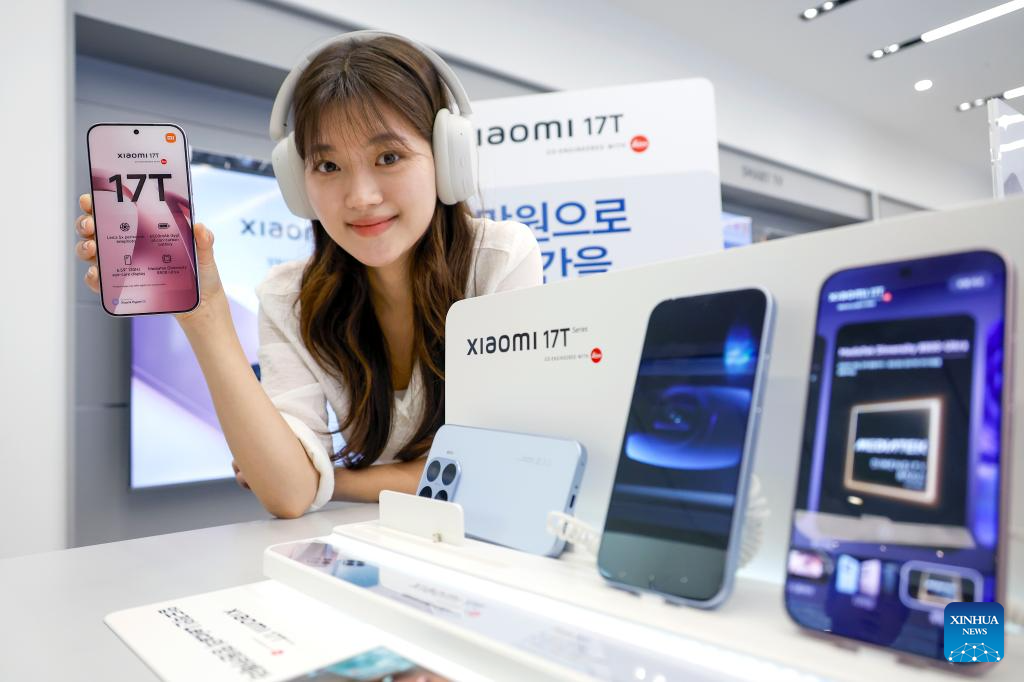
For consumers visiting the branch to upgrade their older phones, store representatives demonstrated how easy it is to migrate personal files using built-in software tools:
1.Prepare Both Devices:Prerequisite Phase.
Turn on both smartphones. Ensure they are both connected to a stable, local high-speed Wi-Fi network and have at least 50% battery remaining, or plug them into a charger.
2.Launch the Native Mi Mover App:Software Execution.
Open the Google Play Store on your old Android or iOS phone to install the free Mi Mover app. Open the app on both devices simultaneously.
3.Establish a Local Direct Wi-Fi Link:Secure Pairing.
Set the new phone as the “Recipient” to generate a secure, localized QR code on the display screen. Use your old phone’s camera to scan this code, creating a direct device-to-device wireless bridge.
4.Select and Transfer Personal Media:Data Migration.
Check the boxes for the specific content types you want to move—including contact lists, text message histories, photo galleries, and downloaded applications. Tap the transfer button and leave the phones undisturbed until the success bar hits 100%.
Launch Incentives Note: Early buyers purchasing the phone directly from the physical branch over the opening weekend will receive an extended two-year hardware warranty, along with a complementary set of premium wireless earbuds to round out their mobile audio experience.